
Filmora
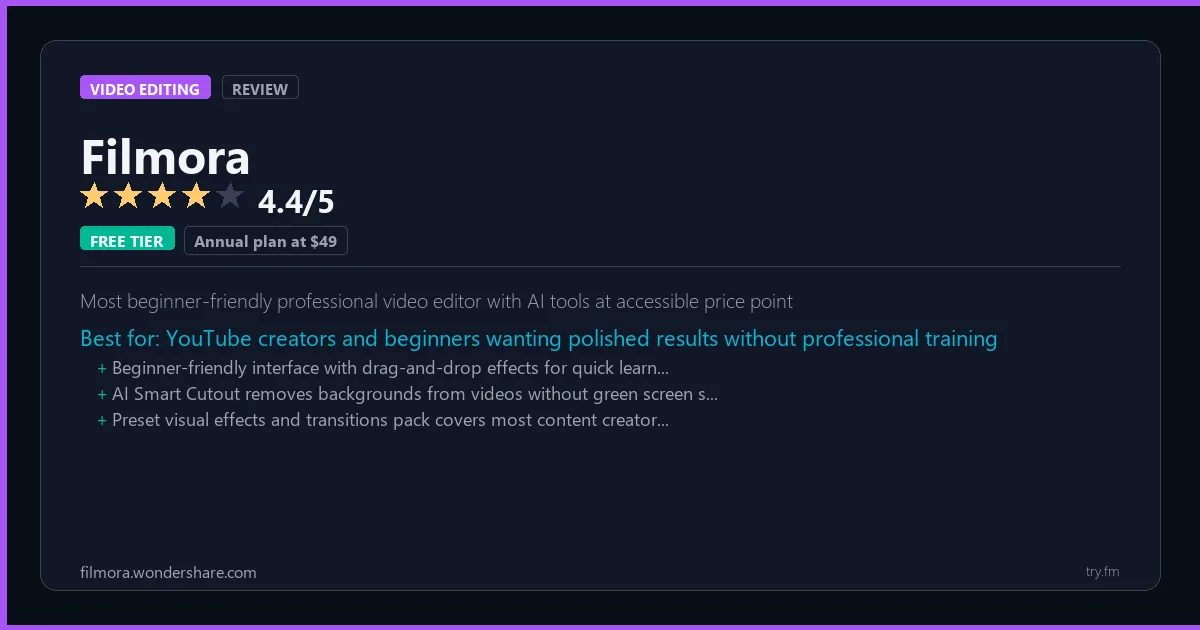
Annual plan at $49.99/year. Perpetual license at $79.99. Free version with watermark.
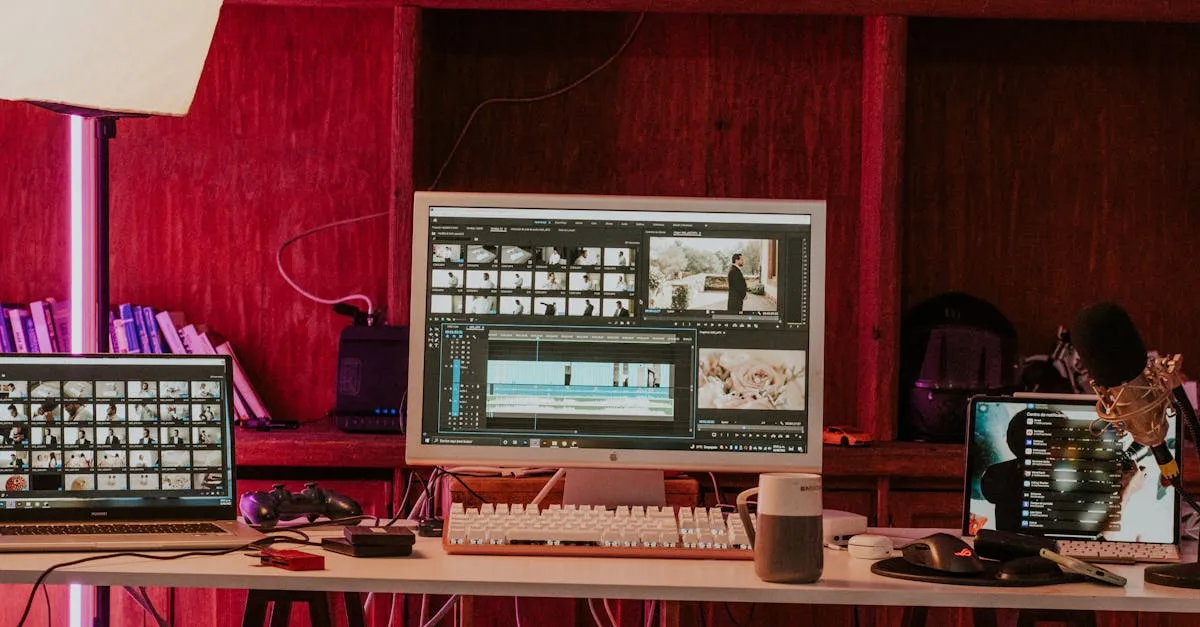 Photo by Amar Preciado on Pexels
What is Filmora?
Filmora, by Wondershare at filmora.wondershare.com, is a user-friendly video editor designed for YouTubers, vloggers, and beginner-to-intermediate creators who want polished results without a steep learning curve. Wondershare has packed Filmora with an AI toolkit covering smart cutout, AI portrait, noise removal, and auto-beat sync. A vast library of effects, transitions, and royalty-free assets completes the package, making Filmora one of the most popular consumer editing tools available today.
Visit https://filmora.wondershare.com to learn more or start your free trial.

100 AI Side Hustles You Can Start This Weekend
While you're browsing tools, thousands of people are already making money with them. Get the full list with free tools for each.
We respect your privacy. Unsubscribe anytime.
Key Features
- AI Smart Cutout and portrait tools
- Auto beat sync for music videos
- Royalty-free stock media library
- Motion tracking and stabilization
- Color match across clips
- Speed ramping with curve control
Getting Started with Filmora
Here is how to start using Filmora today, step by step.
- Visit the website - Go to https://filmora.wondershare.com and click the sign-up button.
- Create your account - You can sign up for the free tier without entering a credit card. This gives you access to the basic features right away.
- Explore the dashboard - Once you are in, take 5 minutes to look around. Most video editing tools have a tutorial or onboarding flow that shows you the basics.
- Try the core feature - Start with: AI Smart Cutout and portrait tools. This is what most people use Filmora for. Spend 10 minutes trying it out to get a feel for how it works.
- Check the limits - If you are on a free tier, check what limits apply so you know when it makes sense to upgrade.
Pro Tips for Filmora
- Start with the free tier - The free tier is usually enough for personal use and small projects. Only upgrade when you hit a specific limit that blocks your work.
- Use keyboard shortcuts - Most video editing tools have keyboard shortcuts that speed up your workflow. Look for them in the settings or help menu.
- Check for integrations - Filmora probably connects with tools you already use. Check the integrations page to set up time-saving automations.
- Watch tutorials - Search "Filmora tutorial" on YouTube for walkthroughs from other users. Seeing how real people use the tool is the fastest way to learn.
- Compare before committing - Before you pay for a subscription, try 2-3 similar tools. Our video editing tools page makes it easy to compare features.
Frequently Asked Questions About Filmora
Do I need a powerful computer for Filmora?
It depends on what you are editing. For short social media clips, most modern computers handle Filmora fine. For 4K video or heavy effects, you will want at least 16GB of RAM and a dedicated graphics card. Cloud-based editors avoid this issue entirely.
Can Filmora export in 4K?
Check the pricing page - some tools limit export quality on free plans. Most paid plans support 4K export. Our quick facts section above shows what Filmora offers on each tier.
Is Filmora good for beginners?
That depends on the tool. Check the description above for details on how easy Filmora is to learn. Generally, tools with higher ratings tend to have better onboarding for new users.
The $0 AI Toolkit: 61 Tools That Are 100% Free Forever
Stop paying for tools with free tiers that actually work. Not trials. Not freemium traps. Actually free.
We respect your privacy. Unsubscribe anytime.
Similar Tools

Imovie
Free Apple-ecosystem editor with seamless iPhone-to-Mac handoff for any project
Try Free Read Review
Davinci Resolve
Only free NLE with Hollywood-grade color science and integrated VFX compositor
Try Free Read Review
Flexclip
AI text-to-video generation combined with stock library in browser-based editor
Try Free Read Review