
Linkedin Helper
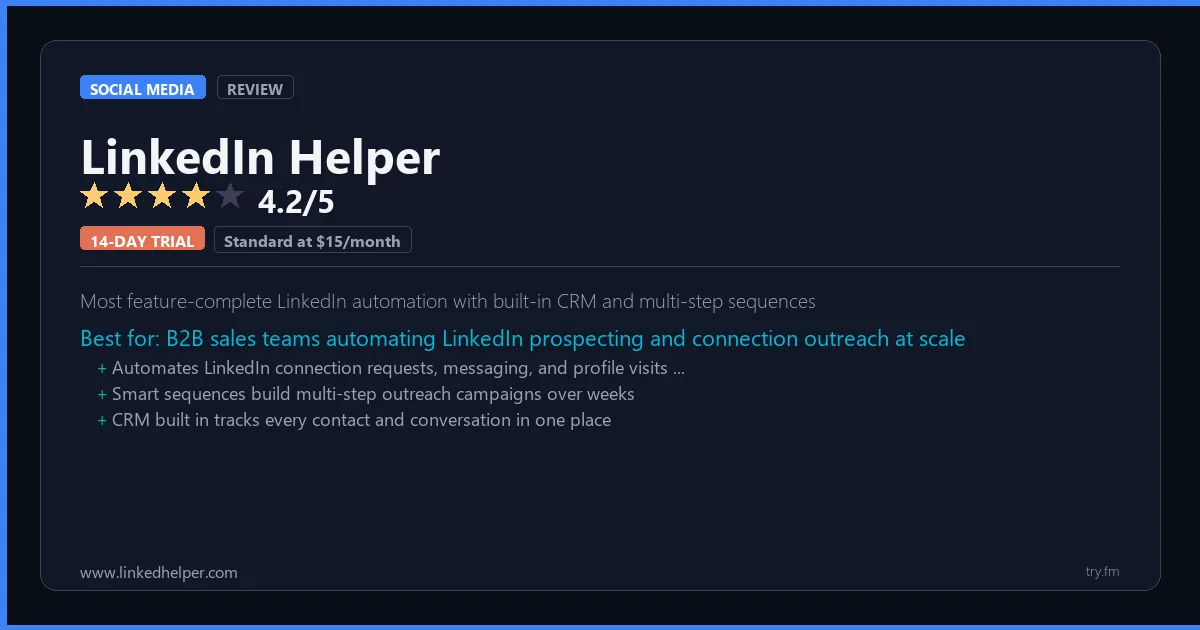
Standard at $15/month. Pro at $45/month. Free 14-day trial.
 Photo by Walls.io on Pexels
What is LinkedIn Helper?
LinkedIn Helper, available at linkedhelper.com, is a LinkedIn automation tool used by sales professionals, recruiters, and B2B marketers to automate connection requests, profile visits, message sequences, and endorsements. LinkedHelper 2.0 operates as a desktop application that mimics human behavior to reduce detection risk, while its CRM functionality tracks prospect interactions across campaigns. With campaign sequences, lead imports, and webhook integrations, LinkedIn Helper powers systematic LinkedIn lead generation.
Visit https://www.linkedhelper.com to learn more or start your free trial.

100 AI Side Hustles You Can Start This Weekend
While you're browsing tools, thousands of people are already making money with them. Get the full list with free tools for each.
We respect your privacy. Unsubscribe anytime.
Key Features
- Automated connection request campaigns
- Message sequence automation
- Profile visit and follow automation
- Built-in CRM for prospect tracking
- Campaign analytics and response tracking
- Webhook and Zapier integration
Getting Started with LinkedIn Helper
Here is how to start using LinkedIn Helper today, step by step.
- Visit the website - Go to https://www.linkedhelper.com and click the sign-up button.
- Create your account - Sign up for the 14-day free trial to get full access. You may need to enter a credit card, but you will not be charged until the trial ends.
- Explore the dashboard - Once you are in, take 5 minutes to look around. Most social media tools have a tutorial or onboarding flow that shows you the basics.
- Try the core feature - Start with: Automated connection request campaigns. This is what most people use LinkedIn Helper for. Spend 10 minutes trying it out to get a feel for how it works.
- Check the limits - If you are on a free tier, check what limits apply so you know when it makes sense to upgrade.
Pro Tips for LinkedIn Helper
- Start with the free tier - Use the full 14-day trial before deciding. Make a list of must-have features on day one and test each one during the trial.
- Use keyboard shortcuts - Most social media tools have keyboard shortcuts that speed up your workflow. Look for them in the settings or help menu.
- Check for integrations - LinkedIn Helper probably connects with tools you already use. Check the integrations page to set up time-saving automations.
- Watch tutorials - Search "LinkedIn Helper tutorial" on YouTube for walkthroughs from other users. Seeing how real people use the tool is the fastest way to learn.
- Compare before committing - Before you pay for a subscription, try 2-3 similar tools. Our social media tools page makes it easy to compare features.
Frequently Asked Questions About LinkedIn Helper
How many social accounts can I manage with LinkedIn Helper?
The number of accounts depends on your plan. Free tiers typically support 1-3 accounts, while paid plans handle 10 or more. Check the pricing details above for LinkedIn Helper's specific limits.
Does LinkedIn Helper support TikTok?
TikTok support varies by tool. Many social media management platforms have added TikTok scheduling and analytics in the past year. Check LinkedIn Helper's feature list or website for current platform support.
Can LinkedIn Helper help me grow my followers?
Social media tools help you post consistently and at the right times, which does help with growth. But no tool can guarantee follower growth - that comes from creating good content that your audience cares about.

How 50 Regular People Made Their First $1,000 with AI
A nurse. A teacher. A retiree. None of them were "tech people." See exactly how they did it, step by step.
We respect your privacy. Unsubscribe anytime.
Similar Tools

Mention
Real-time brand monitoring across news, blogs, and social with share-of-voice tracking
Try Free Read Review
Magazine publishing platform with built-in audience for content discovery and organic reach
Try Free Read Review
Publer
Broadest network coverage including Google Business Profile with AI caption writing
Try Free Read Review