
Friends Plus Me
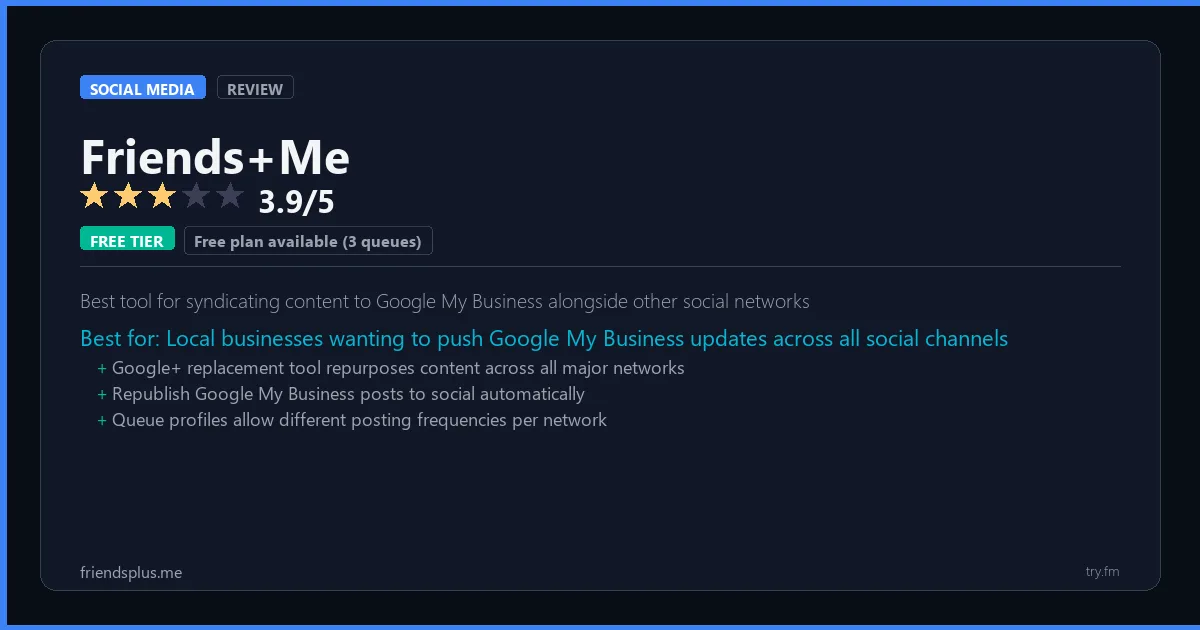
Free plan available (3 queues). Small at $7.50/month. Medium at $29/month (annual).
 Photo by Walls.io on Pexels
What is Friends+Me?
Friends+Me, available at friendsplus.me, is a cross-posting and social media scheduling tool that helps content creators and small teams publish consistently across multiple platforms simultaneously. Friends+Me's queue-based system allows users to load content and let the tool publish at optimal times, with automatic cross-posting rules and a browser extension for quick adding. With Google My Business support and Zapier integration, Friends+Me connects well into broader marketing automation stacks.
Visit https://friendsplus.me to learn more or start your free trial.

100 AI Side Hustles You Can Start This Weekend
While you're browsing tools, thousands of people are already making money with them. Get the full list with free tools for each.
We respect your privacy. Unsubscribe anytime.
Key Features
- Cross-posting rules for automatic repurposing
- Queue-based scheduling system
- Browser extension for quick saving
- Google My Business posting
- Zapier and API integration
- Team collaboration with separate queues
Getting Started with Friends+Me
Here is how to start using Friends+Me today, step by step.
- Visit the website - Go to https://friendsplus.me and click the sign-up button.
- Create your account - You can sign up for the free tier without entering a credit card. This gives you access to the basic features right away.
- Explore the dashboard - Once you are in, take 5 minutes to look around. Most social media tools have a tutorial or onboarding flow that shows you the basics.
- Try the core feature - Start with: Cross-posting rules for automatic repurposing. This is what most people use Friends+Me for. Spend 10 minutes trying it out to get a feel for how it works.
- Check the limits - If you are on a free tier, check what limits apply so you know when it makes sense to upgrade.
Pro Tips for Friends+Me
- Start with the free tier - The free tier is usually enough for personal use and small projects. Only upgrade when you hit a specific limit that blocks your work.
- Use keyboard shortcuts - Most social media tools have keyboard shortcuts that speed up your workflow. Look for them in the settings or help menu.
- Check for integrations - Friends+Me probably connects with tools you already use. Check the integrations page to set up time-saving automations.
- Watch tutorials - Search "Friends+Me tutorial" on YouTube for walkthroughs from other users. Seeing how real people use the tool is the fastest way to learn.
- Compare before committing - Before you pay for a subscription, try 2-3 similar tools. Our social media tools page makes it easy to compare features.
Frequently Asked Questions About Friends+Me
How many social accounts can I manage with Friends+Me?
The number of accounts depends on your plan. Free tiers typically support 1-3 accounts, while paid plans handle 10 or more. Check the pricing details above for Friends+Me's specific limits.
Does Friends+Me support TikTok?
TikTok support varies by tool. Many social media management platforms have added TikTok scheduling and analytics in the past year. Check Friends+Me's feature list or website for current platform support.
Can Friends+Me help me grow my followers?
Social media tools help you post consistently and at the right times, which does help with growth. But no tool can guarantee follower growth - that comes from creating good content that your audience cares about.

How 50 Regular People Made Their First $1,000 with AI
A nurse. A teacher. A retiree. None of them were "tech people." See exactly how they did it, step by step.
We respect your privacy. Unsubscribe anytime.
Similar Tools

Metricool
Unified paid-and-organic analytics dashboard with best-in-class hashtag research
Try Free Read Review
Phantombuster
Largest library of pre-built social automation scripts covering 200+ specific growth tasks
Try Free Read Review
Postplanner
Content discovery and engagement prediction combined to find and schedule viral posts
Try Free Read Review