
Dash Hudson
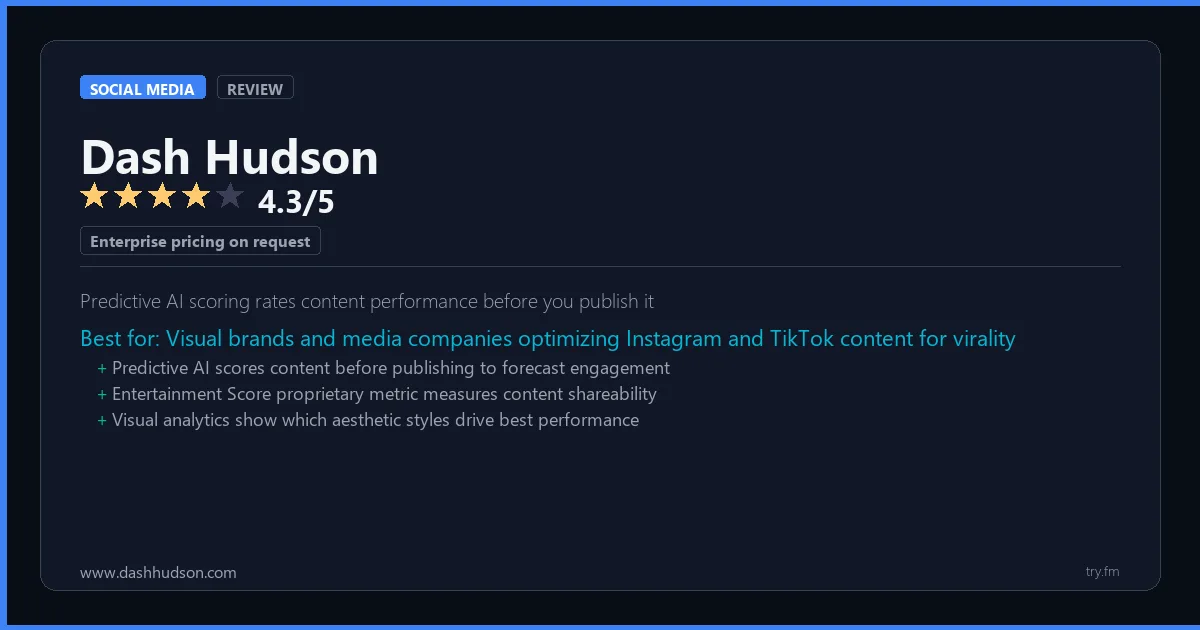
Enterprise pricing on request. Annual subscription based on features and scale.
 Photo by Walls.io on Pexels
What is Dash Hudson?
Dash Hudson, available at dashhudson.com, is a visual marketing intelligence platform used by leading consumer brands, luxury fashion houses, and media companies to optimize social media performance. Dash Hudson's Predictive Vision AI scores content before publishing to predict engagement performance, while its visual content library, scheduling tools, and deep analytics help brands maintain aesthetic consistency at scale. Entertainment, beauty, and lifestyle brands particularly favor Dash Hudson for its visual-first approach.
Visit https://www.dashhudson.com to learn more or start your free trial.

100 AI Side Hustles You Can Start This Weekend
While you're browsing tools, thousands of people are already making money with them. Get the full list with free tools for each.
We respect your privacy. Unsubscribe anytime.
Key Features
- Predictive Vision AI for content scoring
- Visual content library and scheduling
- TikTok, Instagram, and Pinterest analytics
- Entertainment and media benchmarking
- Boards for creative team collaboration
- Commerce analytics and link tracking
Getting Started with Dash Hudson
Here is how to start using Dash Hudson today, step by step.
- Visit the website - Go to https://www.dashhudson.com and click the sign-up button.
- Create your account - Create an account to get started. Check the pricing page for the current plans and any promotional offers.
- Explore the dashboard - Once you are in, take 5 minutes to look around. Most social media tools have a tutorial or onboarding flow that shows you the basics.
- Try the core feature - Start with: Predictive Vision AI for content scoring. This is what most people use Dash Hudson for. Spend 10 minutes trying it out to get a feel for how it works.
- Check the limits - If you are on a free tier, check what limits apply so you know when it makes sense to upgrade.
Pro Tips for Dash Hudson
- Start with the free tier - Look for seasonal discounts or annual billing - most tools give 20-40% off if you pay yearly.
- Use keyboard shortcuts - Most social media tools have keyboard shortcuts that speed up your workflow. Look for them in the settings or help menu.
- Check for integrations - Dash Hudson probably connects with tools you already use. Check the integrations page to set up time-saving automations.
- Watch tutorials - Search "Dash Hudson tutorial" on YouTube for walkthroughs from other users. Seeing how real people use the tool is the fastest way to learn.
- Compare before committing - Before you pay for a subscription, try 2-3 similar tools. Our social media tools page makes it easy to compare features.
Frequently Asked Questions About Dash Hudson
How many social accounts can I manage with Dash Hudson?
The number of accounts depends on your plan. Free tiers typically support 1-3 accounts, while paid plans handle 10 or more. Check the pricing details above for Dash Hudson's specific limits.
Does Dash Hudson support TikTok?
TikTok support varies by tool. Many social media management platforms have added TikTok scheduling and analytics in the past year. Check Dash Hudson's feature list or website for current platform support.
Can Dash Hudson help me grow my followers?
Social media tools help you post consistently and at the right times, which does help with growth. But no tool can guarantee follower growth - that comes from creating good content that your audience cares about.

How 50 Regular People Made Their First $1,000 with AI
A nurse. A teacher. A retiree. None of them were "tech people." See exactly how they did it, step by step.
We respect your privacy. Unsubscribe anytime.
Similar Tools

Social Blade
Free public analytics for any creator account showing growth trends and future predictions
Try Free Read Review
Not Just Analytics
Free Instagram analytics with audience quality scoring to detect fake followers
Try Free Read Review
Curata
Self-learning enterprise curation engine that connects content to pipeline revenue metrics
Try Free Read Review