
Darktrace
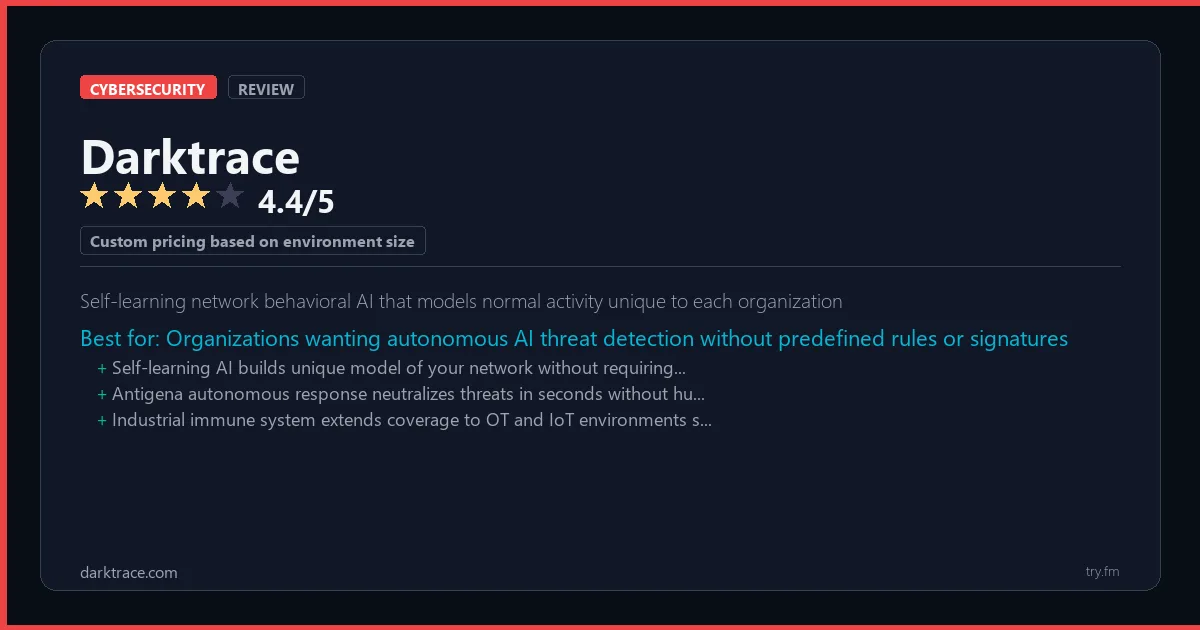
Custom pricing based on environment size; contact sales for quote
 Photo by Pixabay on Pexels
What is Darktrace?
Darktrace is an AI-powered cybersecurity platform developed by Darktrace Holdings, founded in Cambridge, UK, and now headquartered in Austin, Texas. darktrace.com uses unsupervised machine learning to model the unique behavior of every user, device, and network in an organization, detecting novel threats without signatures or rules. Darktrace's Autonomous Response technology - Antigena - can autonomously interrupt attacks in real time by taking surgical, proportionate actions. Protecting over 9,000 organizations across 110 countries, Darktrace is at the frontier of AI-driven cyber defense and threat response.
Visit https://darktrace.com to learn more or start your free trial.

47 Things You Should NEVER Tell ChatGPT
Sensitive data shared with an AI tool can be hard to take back. Are you one of them?
We respect your privacy. Unsubscribe anytime.
Key Features
- Unsupervised ML that models normal behavior for every entity
- Autonomous Response (Antigena) to interrupt attacks in real time
- Network, cloud, email, and OT security in one platform
- Zero-day and insider threat detection
- Attack Path Modeling for proactive risk analysis
- AI Security Operations Center (SOC) analyst assistant
Getting Started with Darktrace
Here is how to start using Darktrace today, step by step.
- Visit the website - Go to https://darktrace.com and click the sign-up button.
- Create your account - Create an account to get started. Check the pricing page for the current plans and any promotional offers.
- Explore the dashboard - Once you are in, take 5 minutes to look around. Most cybersecurity tools have a tutorial or onboarding flow that shows you the basics.
- Try the core feature - Start with: Unsupervised ML that models normal behavior for every entity. This is what most people use Darktrace for. Spend 10 minutes trying it out to get a feel for how it works.
- Check the limits - If you are on a free tier, check what limits apply so you know when it makes sense to upgrade.
Pro Tips for Darktrace
- Start with the free tier - Look for seasonal discounts or annual billing - most tools give 20-40% off if you pay yearly.
- Use keyboard shortcuts - Most cybersecurity tools have keyboard shortcuts that speed up your workflow. Look for them in the settings or help menu.
- Check for integrations - Darktrace probably connects with tools you already use. Check the integrations page to set up time-saving automations.
- Watch tutorials - Search "Darktrace tutorial" on YouTube for walkthroughs from other users. Seeing how real people use the tool is the fastest way to learn.
- Compare before committing - Before you pay for a subscription, try 2-3 similar tools. Our cybersecurity tools page makes it easy to compare features.
Frequently Asked Questions About Darktrace
Do I really need Darktrace?
If you use the internet (and you do), some level of cybersecurity protection is important. Darktrace helps protect against threats that most people do not see coming - like phishing emails, data breaches, and malware. The free tier is a good place to start.
Will Darktrace slow down my computer?
Modern cybersecurity tools are designed to run quietly in the background. Darktrace should not cause noticeable slowdowns during normal use. If it does, check the settings for a lighter scan mode.
Can Darktrace protect me from all threats?
No single tool stops every threat. Darktrace handles its specialty well, but a complete security setup also includes strong passwords (use a password manager), two-factor authentication, and keeping your software up to date.

200 Jobs AI Will Replace
Is yours on the list? Find out where your career stands before it's too late.
We respect your privacy. Unsubscribe anytime.
Similar Tools

Wire
Phone-number-free account creation provides anonymity that Signal cannot offer
Try Free Read Review
Tenable
Cyber Exposure Score benchmarks your vulnerability posture against industry peer organizations
Try Free Read Review
Element
Federated Matrix protocol enables self-hosted server that bridges to other platforms
Try Free Read Review