
Ideogram
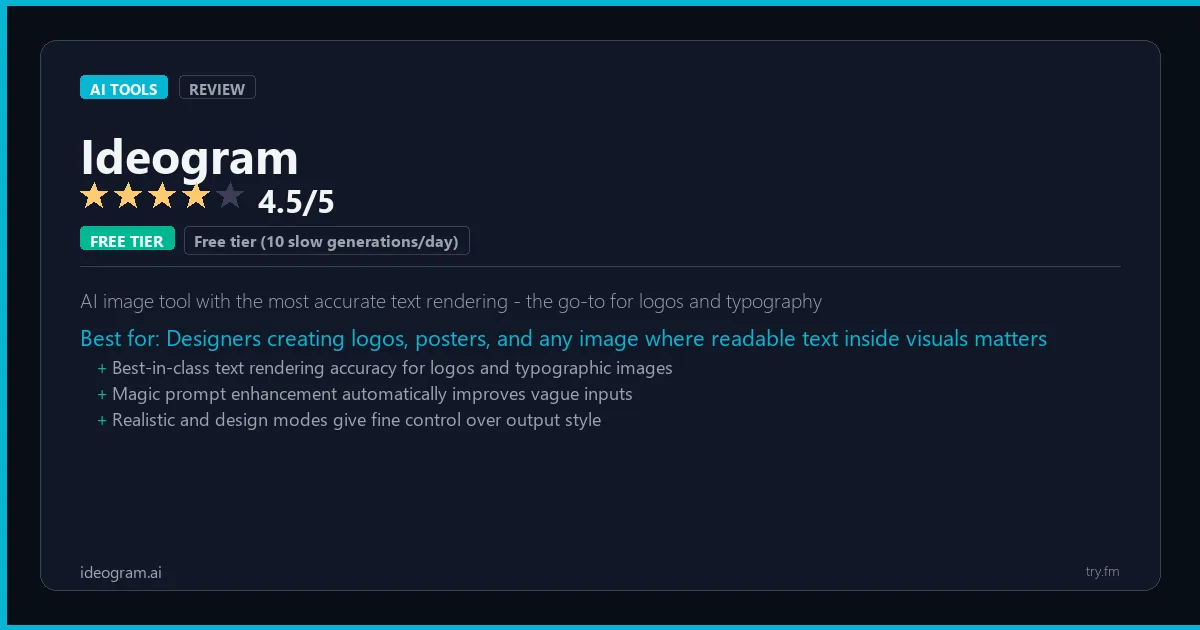
Free tier (10 slow generations/day). Basic $8/month. Plus $20/month. Pro $48/month.
 Photo by Andrew Neel on Pexels
What is Ideogram?
Ideogram, available at ideogram.ai, is an AI image generation platform founded by former Google Brain researchers, renowned for producing the most accurate text rendering in AI-generated images. Ideogram AI solves one of the most persistent challenges in the field - generating images with legible, correctly spelled, and well-positioned text - making it the top choice for creating logos, posters, social media graphics, and branded visuals. The platform's Typography feature and Magic Prompt enhancement help users create professional-quality designs that would otherwise require a skilled graphic designer. Designers and marketers rely on Ideogram for any image that needs readable text as a core element.
Visit https://ideogram.ai to learn more or start your free trial.

47 Things You Should NEVER Tell ChatGPT
Sensitive data shared with an AI tool can be hard to take back. Are you one of them?
We respect your privacy. Unsubscribe anytime.
Key Features
- Industry-leading text rendering with accurate, legible typography in images
- Typography style presets for logos, posters, and graphic design applications
- Magic Prompt enhancement for automatically improving user prompts
- Inpainting and Edit Image for targeted modification of specific areas
- Remix feature for regenerating images with preserved structure
- Style references for maintaining visual consistency across image sets
Getting Started with Ideogram
Here is how to start using Ideogram today, step by step.
- Visit the website - Go to https://ideogram.ai and click the sign-up button.
- Create your account - You can sign up for the free tier without entering a credit card. This gives you access to the basic features right away.
- Explore the dashboard - Once you are in, take 5 minutes to look around. Most AI tools have a tutorial or onboarding flow that shows you the basics.
- Try the core feature - Start with: Industry-leading text rendering with accurate, legible typography in images. This is what most people use Ideogram for. Spend 10 minutes trying it out to get a feel for how it works.
- Check the limits - If you are on a free tier, check what limits apply so you know when it makes sense to upgrade.
Pro Tips for Ideogram
- Start with the free tier - The free tier is usually enough for personal use and small projects. Only upgrade when you hit a specific limit that blocks your work.
- Use keyboard shortcuts - Most AI tools have keyboard shortcuts that speed up your workflow. Look for them in the settings or help menu.
- Check for integrations - Ideogram probably connects with tools you already use. Check the integrations page to set up time-saving automations.
- Watch tutorials - Search "Ideogram tutorial" on YouTube for walkthroughs from other users. Seeing how real people use the tool is the fastest way to learn.
- Compare before committing - Before you pay for a subscription, try 2-3 similar tools. Our AI tools page makes it easy to compare features.
Frequently Asked Questions About Ideogram
Is Ideogram safe to use?
Yes. Ideogram is a legitimate AI tool made by Ideogram AI. Like any AI tool, avoid sharing sensitive personal data (like passwords or financial info) in your prompts. Review their privacy policy if you plan to use it for business.
Can Ideogram replace a human?
Not completely. Ideogram is best used as an assistant that handles repetitive tasks and speeds up your workflow. It works best when a human reviews and edits the output. Think of it as a very fast first draft.
Does Ideogram work on mobile?
Most AI tools, including Ideogram, work in a web browser on any device. Some also have dedicated mobile apps. Check https://ideogram.ai for the latest app availability.

100 AI Side Hustles You Can Start This Weekend
While you're browsing tools, thousands of people are already making money with them. Get the full list with free tools for each.
We respect your privacy. Unsubscribe anytime.
Similar Tools

Lalal Ai
Most accurate AI stem separator preserving full audio quality across 10+ instrument tracks
Try Free Read Review
Suno
Creates complete studio-quality songs with real vocals and instrumentation from one text prompt
Try Free Read Review
Runway
Hollywood-grade AI video generation with the most advanced motion control tools available
Try Free Read Review