
Hex
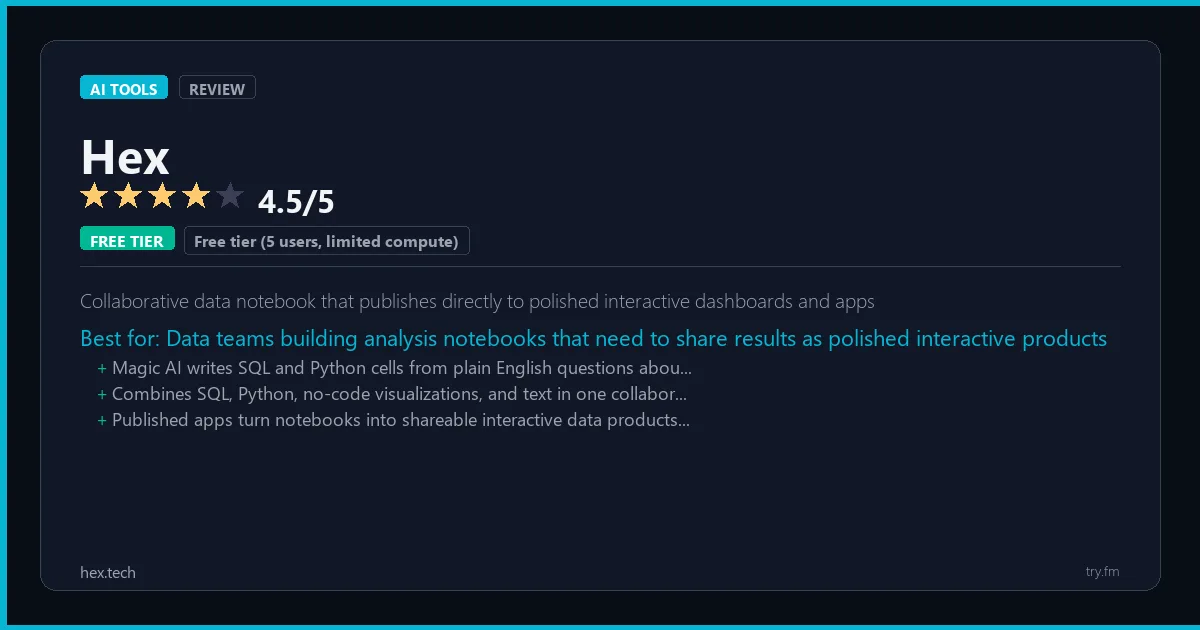
Free tier (5 users, limited compute). Team $24/user/month. Business $50/user/month. Enterprise custom.
 Photo by fauxels on Pexels
What is Hex?
Hex, available at hex.tech, is a collaborative data platform combining notebooks, SQL editor, no-code charting, and AI assistance in a single workspace for data teams. Hex's Magic AI features can generate SQL and Python code from natural language, explain complex queries, help debug errors, and suggest improvements to analysis approaches. The platform's App publishing mode lets data teams share polished, interactive dashboards and tools built from their analysis without additional engineering. Data analysts, analytics engineers, and data scientists at growth-stage companies use Hex to collaborate on analysis, automate reporting, and make insights accessible to non-technical stakeholders through polished data apps.
Visit https://hex.tech to learn more or start your free trial.

47 Things You Should NEVER Tell ChatGPT
Sensitive data shared with an AI tool can be hard to take back. Are you one of them?
We respect your privacy. Unsubscribe anytime.
Key Features
- Magic AI for generating SQL and Python from natural language descriptions
- Collaborative notebooks with real-time editing for data teams
- No-code drag-and-drop app builder for publishing analysis as interactive tools
- Native SQL editor with schema browser and query history
- Scheduled runs for automated report refresh and alert delivery
- Git integration for version control and reproducible analysis workflows
Getting Started with Hex
Here is how to start using Hex today, step by step.
- Visit the website - Go to https://hex.tech and click the sign-up button.
- Create your account - You can sign up for the free tier without entering a credit card. This gives you access to the basic features right away.
- Explore the dashboard - Once you are in, take 5 minutes to look around. Most AI tools have a tutorial or onboarding flow that shows you the basics.
- Try the core feature - Start with: Magic AI for generating SQL and Python from natural language descriptions. This is what most people use Hex for. Spend 10 minutes trying it out to get a feel for how it works.
- Check the limits - If you are on a free tier, check what limits apply so you know when it makes sense to upgrade.
Pro Tips for Hex
- Start with the free tier - The free tier is usually enough for personal use and small projects. Only upgrade when you hit a specific limit that blocks your work.
- Use keyboard shortcuts - Most AI tools have keyboard shortcuts that speed up your workflow. Look for them in the settings or help menu.
- Check for integrations - Hex probably connects with tools you already use. Check the integrations page to set up time-saving automations.
- Watch tutorials - Search "Hex tutorial" on YouTube for walkthroughs from other users. Seeing how real people use the tool is the fastest way to learn.
- Compare before committing - Before you pay for a subscription, try 2-3 similar tools. Our AI tools page makes it easy to compare features.
Frequently Asked Questions About Hex
Is Hex safe to use?
Yes. Hex is a legitimate AI tool made by Hex Technologies. Like any AI tool, avoid sharing sensitive personal data (like passwords or financial info) in your prompts. Review their privacy policy if you plan to use it for business.
Can Hex replace a human?
Not completely. Hex is best used as an assistant that handles repetitive tasks and speeds up your workflow. It works best when a human reviews and edits the output. Think of it as a very fast first draft.
Does Hex work on mobile?
Most AI tools, including Hex, work in a web browser on any device. Some also have dedicated mobile apps. Check https://hex.tech for the latest app availability.

100 AI Side Hustles You Can Start This Weekend
While you're browsing tools, thousands of people are already making money with them. Get the full list with free tools for each.
We respect your privacy. Unsubscribe anytime.
Similar Tools

Manychat
Market leader for Instagram and Facebook DM automation with social commerce integrations
Try Free Read Review
Speechify
Fastest AI reading tool designed to double reading speed using text-to-speech for any document
Try Free Read Review
Bardeen
Browser-native AI automation that runs directly in Chrome without servers or coding required
Try Free Read Review